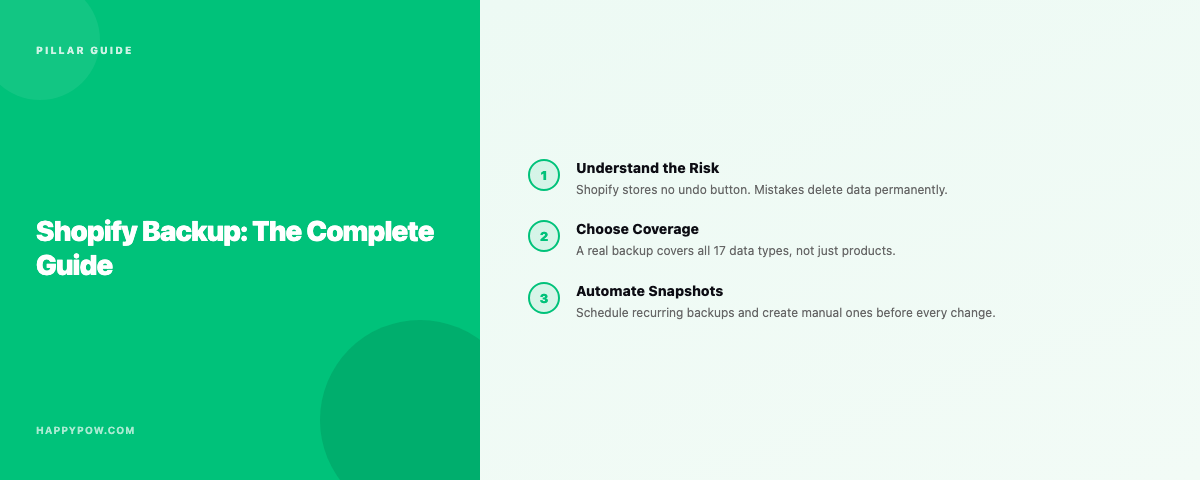
Shopify backup: the complete guide
Shopify does not give you a way to roll your store back to an earlier state, so a backup is the only thing standing between a bad afternoon and a lost week. This is the complete guide to Shopify backup: what the platform protects and what it leaves to you, what a real backup covers, how restore and cloning actually work, how often to run them, and how to choose a tool. Each section links to a deeper walkthrough, so treat this as the map and follow the links for the detail.
Does Shopify back up your store?
Partly, and not in the way that helps you. Shopify keeps its own infrastructure backups for disaster recovery on their side, but you cannot access them or restore from them, and support cannot un-delete your data. There is no undo button in the admin. A bad bulk edit, a misbehaving app, a deleted collection, a broken theme: all of them are live the moment they happen, and the previous state is gone unless you kept a copy. Keeping a recoverable copy of your own store is your responsibility, not Shopify's.
What the CSV export does not solve
The common first instinct is the CSV export in the admin. It helps for a one-off snapshot of products, but it is not a backup system. Exports do not cover every object, they are not versioned, restoring them is manual, and they lose the references between objects, so a re-import gives you rows without the relationships that make a store work. For anything past a single product list, you need a dedicated tool.
What a real backup covers: 17 data types
A backup that stops at products is a false sense of safety. A complete Shopify store is seventeen data types: products, collections, customers, orders, draft orders, pages, blogs, files, themes, metafields, metaobjects, discounts, translations, navigation, markets, inventory and locations. The first things cheap exporters skip, metafields and metaobjects, are exactly what modern storefronts depend on. Customers, orders and draft orders are personal data and are handled under Shopify Protected Customer Data, so they belong on a tool with the right controls. The full breakdown is in what to back up in a Shopify store.
Snapshots vs checkpoints
Two different things, and the difference decides how fast you recover. A snapshot is an automatic backup version taken on a schedule; it gives you continuous history with no effort. A checkpoint is a named save point you create on demand, right before a risky bulk edit or a theme deploy, so you can find and roll back to that exact moment in seconds. Use snapshots for the mistakes you do not see coming and checkpoints for the changes you do. Both are covered in how to back up a Shopify store.
How restore actually works
The point of a backup is the restore, and not all restores are equal. A real one is point-in-time: you pick a version and the store becomes identical to that moment, including rolling back items edited since, rather than layering old rows on top of the mess. Before anything is written, a dry-run shows what will be created, overwritten or skipped, and a conflict policy lets you skip existing items or overwrite them. You also rarely need the whole store back; granular restore brings back just the collection, theme or product set that broke. Read point-in-time restore explained and the full how to restore a Shopify store.
Common recovery jobs
Most real incidents fall into a few buckets, and each has a guide:
- A bulk edit went wrong: undo a bulk edit in Shopify.
- A product was deleted: recover a deleted product.
- A collection vanished: recover a deleted collection.
- The theme broke: restore a broken Shopify theme.
- Customer or order data was lost: recover deleted customers and orders.
Cloning: backup's other job
The same engine that restores a store can copy one. Store-to-store cloning writes a backup into a different store with references rebuilt against the destination, so products land in the right collections with their metafields intact, and copies can start as Draft. That makes a backup tool useful for staging, expansion stores and platform moves, not just disaster recovery. See how to clone a Shopify store.
How often should you back up?
Match frequency to how much work you can afford to lose. A store that changes rarely is fine on daily; a store edited all day wants hourly or real-time so the most you can lose is minutes. Layer manual checkpoints on top before risky changes. The full reasoning is in how often should you back up a Shopify store, and back up before installing an app covers the highest-risk moment most people skip.
Data, storage and GDPR
Where backups live matters. Look for encryption at rest, isolation per store, and the option to bring your own cloud bucket so you hold the data. Deletion has to be real: a redaction request must erase data from storage and index, not just acknowledge it. One detail to know: Shopify will not erase a customer who has an order from the last 180 days, a chargeback safeguard, so a redaction can sit pending. Treat customer and order data with the care Protected Customer Data demands.
Choosing a Shopify backup app
Judge tools on four things that actually decide it: coverage (does it back up your whole store, not just products), restore quality (point-in-time with a dry-run), data control (where it lives, whether deletion is real), and pricing (watch for usage caps that punish growth). For worked examples, read best Shopify backup apps, HappySnap vs Rewind, and HappySnap vs BackupMaster.
Common mistakes
- Relying on CSV exports as a backup, then discovering they lost every relationship.
- Backing up products only, then losing metafields, themes or navigation.
- Never testing a restore, so the backup turns out to be unusable when it counts.
- No checkpoint before a bulk edit or app install, the two changes most likely to break things.
- Treating customer data casually instead of under Protected Customer Data.
FAQ
Does Shopify automatically back up my store? Shopify backs up its own infrastructure for disaster recovery, but you cannot restore your store from it. Merchant-controlled backup is your responsibility.
Is CSV export a backup? No. It is partial, unversioned, manual to restore, and loses references. Use it for a quick product snapshot, not as a backup system.
What is point-in-time restore? Restoring the store to exactly how it was at a chosen moment, including undoing edits made since, rather than importing old data on top of the current state.
Can a backup app clone my store too? Yes. Cloning is a restore into a different store, useful for staging, expansion and migration.
Where HappySnap fits
HappySnap does automatic snapshots, manual checkpoints, point-in-time restore, and store-to-store cloning across all 17 data types, with no usage cap and bring-your-own storage. It is the product behind every guide on this page. See HappySnap for plans, or pick the guide above that matches the problem in front of you.
Shopify has no undo button. Here is what is at risk, what Shopify does and does not do, and how to back up a Shopify store properly.
An honest comparison of two Shopify backup apps: coverage, restore, cloning, storage and pricing. Where each one fits.
BackupMaster and HappySnap both back up and clone a Shopify store. Where each fits on coverage, restore, cloning, storage and pricing.
Copy one store into another for staging, expansion or migration. Why CSV is not enough, and how clone differs from restore.
There is no single best Shopify backup app, only the right fit. The criteria that actually decide it, and where the main options land.
Daily is the floor for most stores; busy catalogs want real-time. Match backup frequency to how often your Shopify store actually changes.
Products are the easy part. A real Shopify backup also covers themes, metafields, metaobjects, translations, markets and more. The full list.
New apps can rewrite products, inject theme code, and change settings. Take a checkpoint first so a bad install is a one-click rollback.
A backup is only as good as its restore. How point-in-time restore works, why a dry-run matters, and how to choose what to roll back.
Shopify has no undo for a bulk edit. If you have a backup you restore the prior version; if you do not, here are your options.
Shopify has no undo for a deleted product. If you have a backup you restore it in seconds; if not, here are the thin options that remain.
A deleted Shopify collection takes its rules and product links with it. Restore from a backup, or rebuild by hand. Here is both paths.
A bad theme edit or app injection can break your storefront. How to roll the theme back, and what Shopify keeps versus what you must back up.
Point-in-time restore makes your store identical to a chosen moment, not just an import on top of the mess. Here is how it works and why it matters.
Customer and order data is personal data, so recovery has rules. How to get it back from a backup, and how GDPR redaction changes the picture.
Looking for a Rewind alternative? What to check before switching, and where HappySnap differs on coverage, cloning and usage caps.
Shopify has no one-click way to duplicate a store across stores. Here is what transfers, what does not, and how to copy a store cleanly.
A practical WooCommerce to Shopify migration: what to move, the order to do it, how to keep SEO with redirects, and how to back up before you cut over.