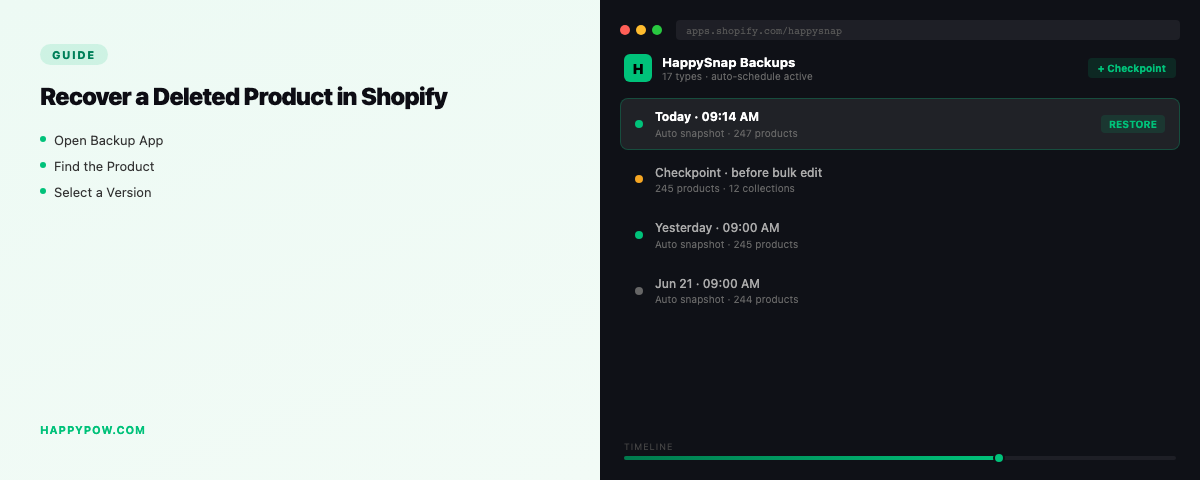
How to recover a deleted product in Shopify
To recover a deleted product in Shopify you restore it from a backup taken before the deletion, because Shopify has no recycle bin and no undo for a deleted product. You deleted it, or a bulk action did, and the page is gone. Whether you get it back cleanly comes down to one thing: were you backing up before it vanished.
Why Shopify cannot bring it back
The admin removes a product immediately and keeps no recoverable copy. Shopify runs its own infrastructure backups, but those are for their disaster recovery, not something a merchant can restore from. Support cannot un-delete a product for you, and there is no trash folder to fish it out of. The same gap covers a deleted collection and a bad bulk edit.
What you lose with a deleted product
It is not just the title. Gone with it: variants and their prices, images, SEO settings, metafields, and the product's membership in every collection. That last part is why a CSV re-import never fully fixes a deletion. It can recreate a row, but not the relationships.
Step by step: recover the product (with a backup)
- Find the backup version from just before the deletion.
- Select a granular restore scoped to products, or to that single product if your tool allows.
- Dry-run to confirm only the missing product is created, nothing else touched.
- Set the conflict policy to skip, so existing products are left alone.
- Run it, then check the product on the storefront: variants, images, collections, metafields.
The product returns with its full context intact, not a stripped row. The full flow is in how to restore a Shopify store.
If you do not have a backup
Check for an export CSV from before the deletion; re-importing recreates the product but not its metafields or collection links. Look in the theme for a cached reference, and check order history if you only need the data rather than the live product. None of it is clean, which is exactly why a backup matters.
Prevent it happening again
- Run automatic backups so yesterday's catalog is always one restore away.
- Take a checkpoint before any bulk delete or catalog cleanup.
- Confirm your backup covers metafields, not just core product fields. See what to back up in a Shopify store and how often should you back up a Shopify store.
Common mistakes
- Assuming a deleted product is in a trash folder. There is none.
- Re-importing a CSV and ending up with duplicates or missing variants.
- Recovering the product but forgetting it lost its collection membership and metafields.
- Having no backup, so recovery means rebuilding by hand.
FAQ
Can I recover a deleted product in Shopify? Only from a backup. Shopify has no native recycle bin or undo for deleted products.
Does Shopify keep deleted products anywhere? No accessible copy. Their infrastructure backups are not merchant-restorable.
Will a CSV bring back my product fully? It recreates basic fields, but not metafields, collection membership, or other references.
Be ready next time
HappySnap backs up products with their full context and restores them point-in-time, so a deletion is a quick recovery. See HappySnap or the Shopify backup pillar.