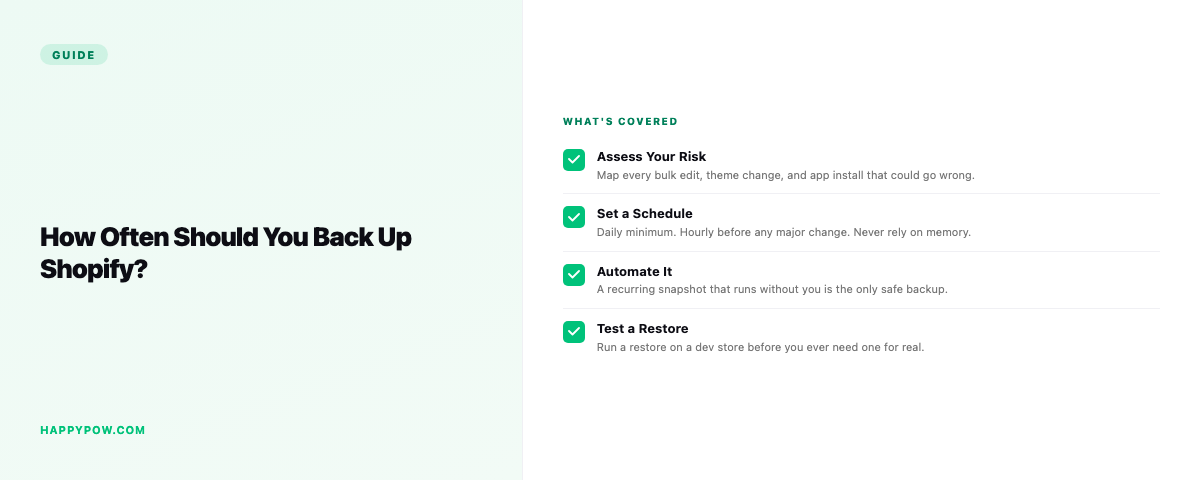
How often should you back up a Shopify store?
There is no single right answer, but there is a wrong one: backing up only when you remember. The honest way to set a schedule is to ask how much work you can afford to lose if something goes wrong this afternoon.
Start from what you can afford to lose
Picture the worst case. An app pushes a bad update at 2pm and overwrites prices on 4,000 products. If your last backup ran this morning, you lose a few hours. If it ran last Sunday, you lose a week of edits, new products, and content. That gap, the time between your last good backup and the incident, is the number that matters. Pick a frequency that keeps it small enough to swallow.
Match the schedule to how fast the store changes
A store that updates a handful of products a week does not need the same cadence as one re-pricing its catalog every morning. Two rough bands:
- Low change rate (occasional edits, seasonal drops): daily is plenty.
- High change rate (daily pricing, inventory, content, theme work): hourly to real-time.
Most stores sit in the middle and are well served by daily, with something faster during big projects like a migration or a theme rebuild.
Schedule is the floor, not the whole plan
Automatic backups protect you from the things you did not see coming. They do nothing for the risk you can see coming. Before a deliberate, risky change, take a manual checkpoint: a named save point right before the bulk edit or the theme deploy. The scheduled snapshot gives you continuous history; the checkpoint marks the exact moment you care about so you can find and roll back to it in seconds. See how to back up a Shopify store for the snapshot-versus-checkpoint distinction in full.
Where "daily" quietly fails
Daily is a sensible default until the day a mistake happens at 4pm and your backup ran at 3am. You still lose the whole working day. On a busy store that is a real cost, which is why higher tiers move to hourly or real-time so the most you can lose is minutes. If your team edits the store all day, treat real-time as insurance, not luxury.
Frequency by plan in HappySnap
HappySnap scales frequency with the plan rather than capping how much you store. Free runs weekly, Starter daily, Pro daily with longer history, and Enterprise real-time with a dedicated worker so backups never queue behind another store. There is no usage cap on any tier, so frequency is the thing you are actually choosing, not how many products you are allowed to protect. Compare the tiers on the HappySnap page.
Step by step: set your schedule
- Write down the longest stretch of work you would be comfortable redoing by hand. That is your tolerance.
- Map it to a frequency: an hour of tolerance means hourly or real-time; a day means daily; a week means you are under-protected.
- Turn on automatic backups at that frequency.
- Add manual checkpoints before risky events: bulk edits, theme deploys, app installs.
- Raise the frequency temporarily during big projects like a migration, then settle back.
A simple rule of thumb
An hour? Go hourly or real-time. A day? Daily, plus a checkpoint before anything risky. A week? You are gambling, and the house wins eventually.
Common mistakes
- Backing up only when you remember, so the gap is unpredictable.
- Picking a frequency by price instead of by how fast the store changes.
- Relying on the schedule alone and skipping checkpoints before risky work.
- Never testing that the backups restore, so cadence is moot.
FAQ
How often should I back up my Shopify store? Daily is a sensible default; busy stores that change all day want hourly or real-time. Match it to how much work you can afford to lose.
Is a weekly backup enough? Only for stores that rarely change. For most, a week of lost edits is too much.
Do I still need checkpoints if I back up automatically? Yes. The schedule covers surprises; checkpoints cover the risky changes you make on purpose.
Once the schedule is set, the only other thing that matters is that the restore actually works when you need it. Skim the pillar on Shopify backup for how versioning and point-in-time restore fit together, and read how to back up a Shopify store to set it up.