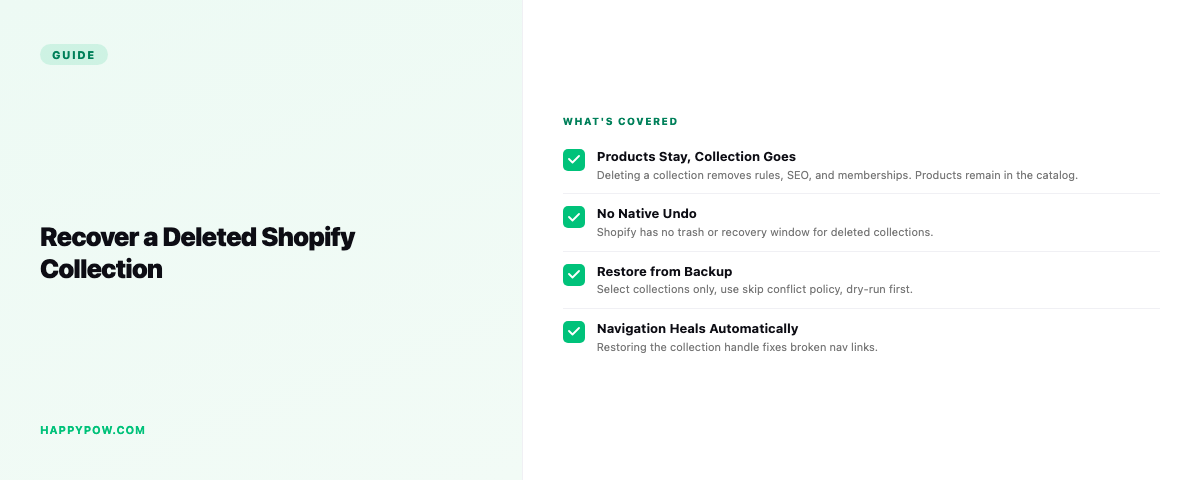
How to recover a deleted collection in Shopify
To recover a deleted collection in Shopify you restore it from a backup taken before the deletion, because the admin offers no way back. Deleting a collection is final: the collection, its conditions, its sort order, and the links that put products inside it all go at once. Whether that is a quick restore or a manual rebuild depends on whether you were backing up.
What you actually lost
A collection is more than a name on a menu. An automated collection carries rules that decide which products belong to it. A manual collection carries a hand-picked list and a specific order. Delete either and you lose the logic, not just the page, and the navigation links pointing at it now go nowhere. Rebuilding from memory rarely matches what was there, especially for large or rule-based collections.
Step by step: restore the collection (with a backup)
- Find the backup version from just before the deletion.
- Scope a granular restore to collections, or to that single collection.
- Dry-run to confirm the collection and its product membership return, nothing else changed.
- Set the conflict policy to skip, leaving existing collections untouched.
- Run it, then check the collection on the storefront and that navigation links resolve.
The collection comes back wired to the right products with its rules intact, not an empty shell. The full flow is in how to restore a Shopify store.
Without a backup
There is no native recovery. If the collection was automated, recreate the rules and hope they catch the same products in the same order. If it was manual, you are reassembling the product list by hand from notes or screenshots. Either way it is slow and never exact, and any navigation or theme links that referenced it stay broken until you rebuild them too.
Prevent it happening again
Collections, navigation, and theme edits are the quiet deletions people forget to protect, because they are not "products" and feel low-risk. Cover them:
- Run automatic backups that include collections, navigation, and metafields, not just products. See what to back up in a Shopify store.
- Take a checkpoint before any structural change, like reorganizing collections or editing navigation.
- Set a daily or faster schedule; read how often should you back up a Shopify store.
Common mistakes
- Assuming a collection is recoverable from the admin. It is not.
- Recreating an automated collection's rules slightly wrong, so it catches different products.
- Restoring the collection but forgetting the navigation links that pointed at it.
- Backing up products only, so collections were never captured.
FAQ
Can I recover a deleted Shopify collection? Only from a backup. The admin has no recovery for deleted collections.
Does deleting a collection delete its products? No, the products remain, but they lose their membership in that collection, and the collection's rules and order are gone.
Are automated and manual collections both recoverable? Yes, from a backup that captured collections; both come back with their rules or hand-picked list.
Be ready next time
HappySnap captures collections with their rules and membership and restores them point-in-time. See HappySnap or the Shopify backup pillar.