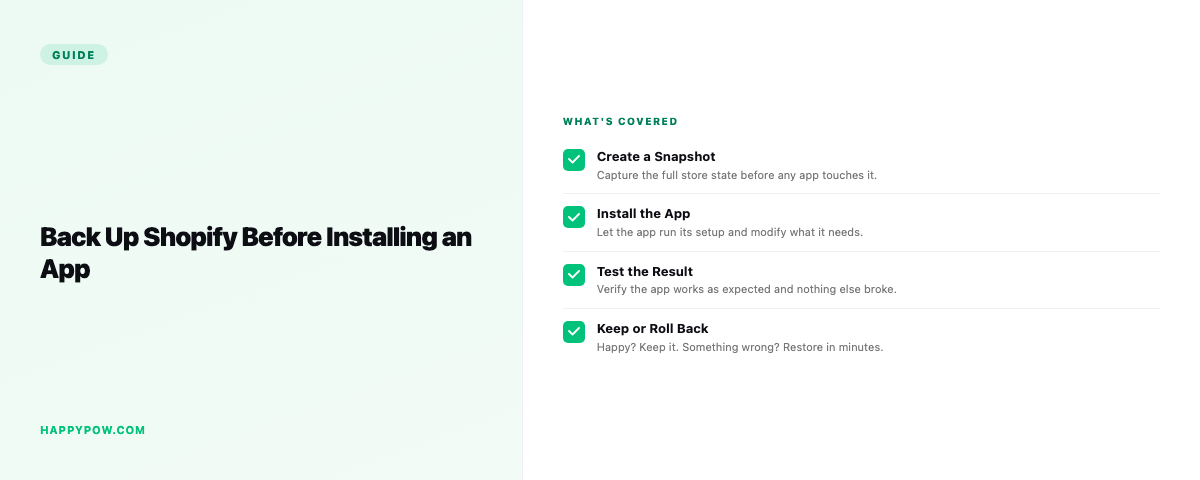
Back up a Shopify store before installing an app
Before you install a Shopify app, take a manual checkpoint, a named save point of the exact pre-install state, so a bad install is a one-click rollback instead of a cleanup. An install feels harmless: approve the scopes, click add, move on. Then the app runs a bulk job across your catalog, injects code into the theme, and rewrites a settings block. Most of the time it is fine. The one time it is not, you want a clean state to go back to.
What an app can actually change
An app you grant write access can do a lot in seconds:
- Edit products in bulk, including prices and inventory.
- Add or remove metafields and metaobjects across the catalog.
- Write theme code through app blocks or direct edits.
- Change store settings, discounts, or navigation.
Uninstalling does not always undo any of it. Leftover metafields, orphaned theme snippets, and stranded settings are common, so the damage outlives the app.
Take a checkpoint, not just a snapshot
A scheduled snapshot from this morning helps, but the cleaner move is a checkpoint right before you click install: a named save point marking the exact pre-install state. If the app misbehaves, you restore to that checkpoint and the store is back where it was, minus the mess, in one step. The snapshot-versus-checkpoint distinction is in how to back up a Shopify store.
Step by step: a safe install routine
- Create a checkpoint named for the app you are about to install.
- Install on a quiet hour, never during a sale or a launch.
- Approve only the scopes the app genuinely needs.
- Watch products, theme, and settings for unexpected edits over the first day.
- If anything looks wrong, restore the checkpoint instead of hunting for what changed by hand.
When the app has already broken things
If you skipped the checkpoint and an app mangled the catalog, you are into recovery. Restore the most recent good version from before the install, with a dry-run to preview the change. Depending on what broke, the focused guides help: undo a bulk edit for catalog damage, restore a broken theme for storefront damage. All of it assumes you were backing up; if you are not yet, fix that today and read how often should you back up a Shopify store.
Common mistakes
- Installing during peak hours, so a bad install hits live shoppers.
- Granting broad scopes without checking what the app needs.
- Assuming uninstall reverses everything. It does not.
- No checkpoint, so recovery means a full restore or manual cleanup.
FAQ
Should I back up before installing a Shopify app? Yes. Take a checkpoint first; apps can edit products, theme code, and settings, and uninstalling does not always undo it.
Does uninstalling an app remove its changes? Often not. Leftover metafields and theme snippets are common, which is why a pre-install checkpoint matters.
An app already broke my store. What now? Restore the version from before the install, or use the focused recovery guide for what broke.
Install safely
HappySnap lets you create a checkpoint on demand and restore to it in seconds, so trying an app carries no risk. See HappySnap, or start with the Shopify backup basics.