Best Shopify backup apps in 2026: how to choose
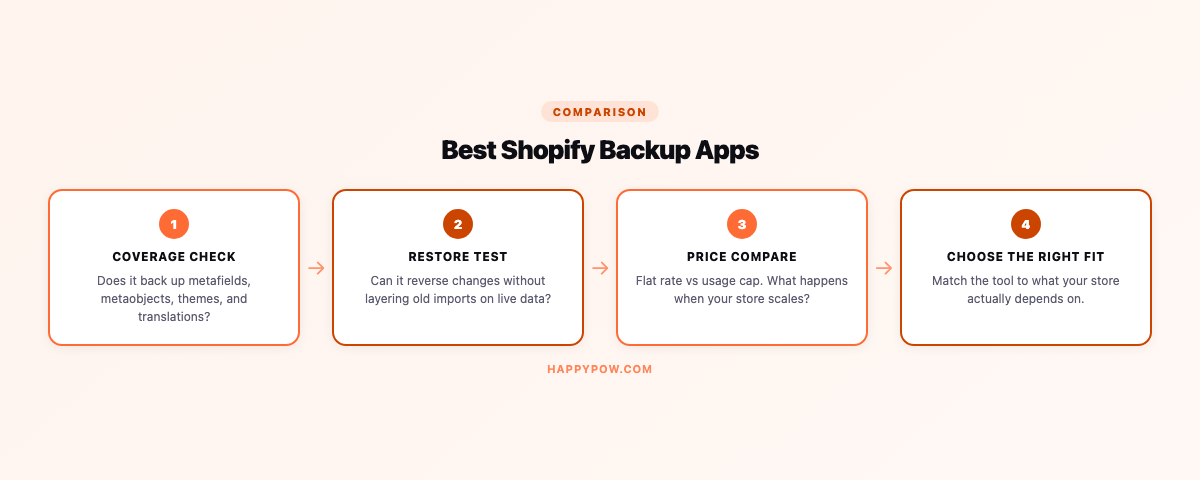
There is no single best Shopify backup app, only the right fit for your store, so the useful question is which criteria matter for you and which tool meets them. Search the phrase and every list crowns a different winner, usually whichever one pays the affiliate. Skip the ranking. Decide on the criteria that bite in real use, then match them to your store.
The four criteria that actually decide it
Coverage. Does it back up your whole store, including metafields, metaobjects, themes, and settings, or just products? The objects cheap tools skip are exactly the ones that break a restore. See what to back up in a Shopify store.
Restore quality. Is it point-in-time, with a dry-run and a clear conflict policy, or a vague "import" you have to babysit afterwards? A backup you cannot cleanly restore is just storage. See point-in-time restore explained.
Data control. Where do backups live, can you hold the keys with your own storage, and does deletion truly erase from storage and index, not just acknowledge?
Limits and cost. Is there a usage cap that punishes you for growing, and what is the real price on a live plan rather than the headline number?
The field in 2026
- Rewind: the established name, widest platform list (Shopify, BigCommerce, QuickBooks), enterprise focus. Detail: HappySnap vs Rewind.
- BackupMaster: SOC 2 audited, Google Drive and ZIP export. Detail: HappySnap vs BackupMaster.
- TinyBackup: simple and affordable, lighter coverage.
- Matrixify: an import/export workhorse people also use for one-off clones, not a scheduled backup system.
- HappySnap: Shopify-focused, 17-type coverage, point-in-time restore, store cloning, no usage cap, bring-your-own storage. We build it.
How to actually choose (do this, not the listicle)
- Write down your worst-case recovery: what breaks, what you would need back, and how fast.
- Shortlist two tools that match your top criterion (usually coverage or cost).
- Install both on a throwaway store and run a real test restore.
- Confirm products come back inside collections, with metafields, and that the restore previews before writing.
- Check the price at your actual catalog size, including any usage cap.
A backup app is only as good as the restore you have actually run, so run one before you commit.
Common mistakes
- Trusting an affiliate ranking instead of testing a restore.
- Choosing on price alone and discovering thin coverage later.
- Ignoring usage caps that bite as the catalog grows.
- Never running a test restore, so the first real one is also the first ever.
FAQ
What is the best Shopify backup app? The one that covers your whole store, restores point-in-time, and fits your budget without a usage cap. Test your top two before deciding.
Is there a free Shopify backup app? Some offer a real free tier; HappySnap's free plan does weekly product, content, and theme backup with restore.
Do I need a backup app at all? Yes. Shopify has no native rollback, and CSV export is not a backup. See the Shopify backup pillar.
Start here
For the mechanics behind the criteria, read how to back up a Shopify store. To try one, HappySnap has a real free plan.