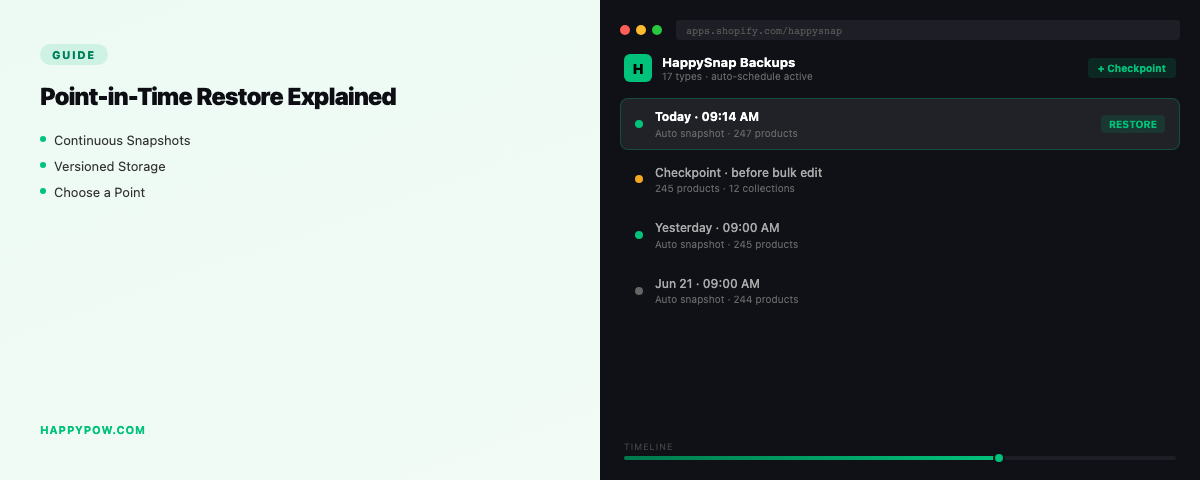
Point-in-time restore for Shopify, explained
Point-in-time restore means picking a moment in your backup history and making the store identical to how it was then, including undoing edits made since. It is the kind of restore that actually reverses a mistake, as opposed to "import a file and hope", and the difference is worth understanding before you trust any backup app with your store.
What point-in-time restore means
You choose a version, and the restore reconstructs the store to that exact state. The key word is identical. It does not only add back things that were deleted; it also rolls back things that were changed since that moment. Re-importing a CSV does the opposite: it layers old rows on top of the current state and leaves the bad edits in place. One genuinely restores; the other half-fixes and hands you the cleanup.
Why "import" is not "restore"
Say you ran a bad bulk price edit. An import of yesterday's prices might overwrite some of them, but it will not remove products created since, will not fix relationships, and will not touch fields the import did not include. A point-in-time restore reverts the whole picture to yesterday. For the worked example, see undo a bulk edit in Shopify.
The dry-run
Before any write, a dry-run shows what the restore would create, overwrite, or skip. You read it, confirm it matches your intent, then commit. Restoring blind on a live store is how a small mistake becomes a bigger one, so treat the dry-run as part of the restore, not an extra.
Conflict policy: skip or overwrite
When the restore meets items that still exist, you choose how to handle them. Overwrite forces the store back to the chosen state, which is what you want when undoing a bad edit. Skip brings back only what is missing, which is what you want when recovering a deletion without disturbing everything else. Decide before you run.
Scope it down
You rarely need the whole store back. Restore the single collection, the theme, or the product set that broke. Granular point-in-time restore leaves untouched data untouched, so a recovery for one mistake does not wipe out the unrelated work your team did today.
Where you will use it
Point-in-time restore is the engine behind every recovery in this cluster:
Common mistakes
- Trusting a tool that only imports, then doing the other half of the cleanup by hand.
- Skipping the dry-run and overwriting good data along with the bad.
- Choosing overwrite when you meant skip, or the reverse.
- Restoring the entire store when a granular restore would have fixed it.
FAQ
What is point-in-time restore in Shopify? Restoring your store to exactly how it was at a chosen moment, including undoing changes made since, using a backup tool (Shopify has no native version of this).
Is point-in-time restore the same as a CSV import? No. Import adds old rows on top of the current state; point-in-time restore reconstructs the chosen state.
Can I point-in-time restore just one product? Yes, with granular restore scoped to that item.
Restore properly
HappySnap restores are point-in-time with a dry-run and a skip-or-overwrite policy, granular down to a single data type. See HappySnap or the Shopify backup pillar.