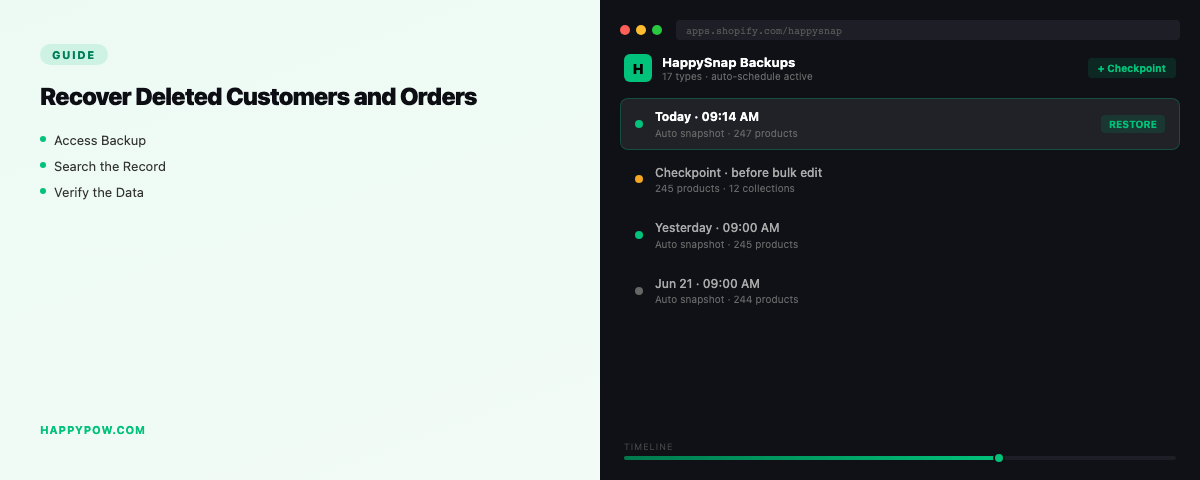
How to recover deleted customers and orders in Shopify
To recover deleted customers or orders in Shopify you restore them from a backup that captured personal data, but this case has rules the others do not, because customer and order data is regulated. Losing it is more serious than losing a product, and bringing it back has to respect how that data is meant to be handled.
Why this data is special
Customers, orders, and draft orders sit under Shopify Protected Customer Data. Access is gated and reviewed by Shopify, so any tool that backs them up should hold them carefully, encrypted and isolated, not dump them into a loose CSV. That sensitivity is exactly why casual exports are a poor fit for personal data, and why HappySnap keeps customer and order backup to Pro and up.
Step by step: restore customers or orders (with a backup)
- Find the backup version from before the records were lost.
- Scope a granular restore to customers, orders, or draft orders.
- Dry-run to confirm the right records return with their relationships.
- Set the conflict policy to skip, so existing records are not overwritten.
- Run it, then check that an order still links to its customer and line items.
Point-in-time restore returns the records with their fields and relationships intact, not flat rows. The full flow is in how to restore a Shopify store.
Accident or GDPR request? Check first
Not every disappearance is an accident. Some are GDPR redaction requests, and those must be respected, not reversed. When a customer asks to be erased, the data should leave storage and index, and a restore must not quietly bring it back. One detail trips people up: Shopify will not erase a customer who has an order from the last 180 days, a safeguard for the chargeback window, so a redaction can sit pending rather than complete immediately. Before you restore anything, confirm you are recovering an accidental loss, not undoing a lawful erasure.
Protect it properly
- Back up customer and order data on a plan built for protected data, encrypted at rest.
- Make sure deletion is real when it needs to be: a redaction should erase from storage and index.
- Keep the data isolated per store, never pooled. For the full data picture read what to back up in a Shopify store.
Common mistakes
- Backing up customers and orders in a plain CSV, mishandling personal data.
- Restoring a record that was redacted under GDPR, reversing a lawful deletion.
- Overwriting current customer records instead of skipping to add back only the missing ones.
- Assuming free or product-only backups covered personal data; they usually do not.
FAQ
Can I recover a deleted customer in Shopify? Only from a backup that captured customer data under Protected Customer Data. Shopify has no native recovery.
Why can't I just CSV-export customers as a backup? Personal data needs gated, encrypted handling; a loose CSV is both risky and incomplete for relationships.
Does restoring undo a GDPR erasure? It must not. Confirm a loss is accidental before restoring; never reverse a lawful redaction.
Handle it correctly
HappySnap backs up customers and orders under Protected Customer Data and restores them point-in-time on Pro and up. See HappySnap or the Shopify backup pillar.