● BUILDING IN PUBLIC  /  LAUNCHING 2026  /  EARLY ACCESS OPEN  /  FIRST 50 MERCHANTS: FOUNDER PRICING  /  FOLLOW THE ROADMAP  /  SAY HI ↗  /  CURRENT PAGE → GUIDES   /  

Shopify Guides

Step-by-step guides for running a Shopify store, written while we build the apps. How do you back up a store when the admin has no rollback? Clone one to a staging shop without breaking every metafield reference? Get the catalog back the morning a bulk edit overwrites 4,000 products? Each guide answers one job and stays current as Shopify changes.

None of them are sales pitches. They cover what Shopify does for you, what it quietly leaves on your plate, and how our apps close that gap. Point-in-time restore is the obvious example: it simply does not exist in the admin.

Start with the pillar on Shopify backup. From there the internal links drop you straight into whatever you came for, whether that is your first backup or a full store clone.
Jun 23, 2026 · happysnap
Shopify backup: the complete guide

Everything on backing up a Shopify store: what Shopify does not do, what to back up, how restore and cloning work, and how to choose an app.

READ →
Jun 23, 2026 · happysnap
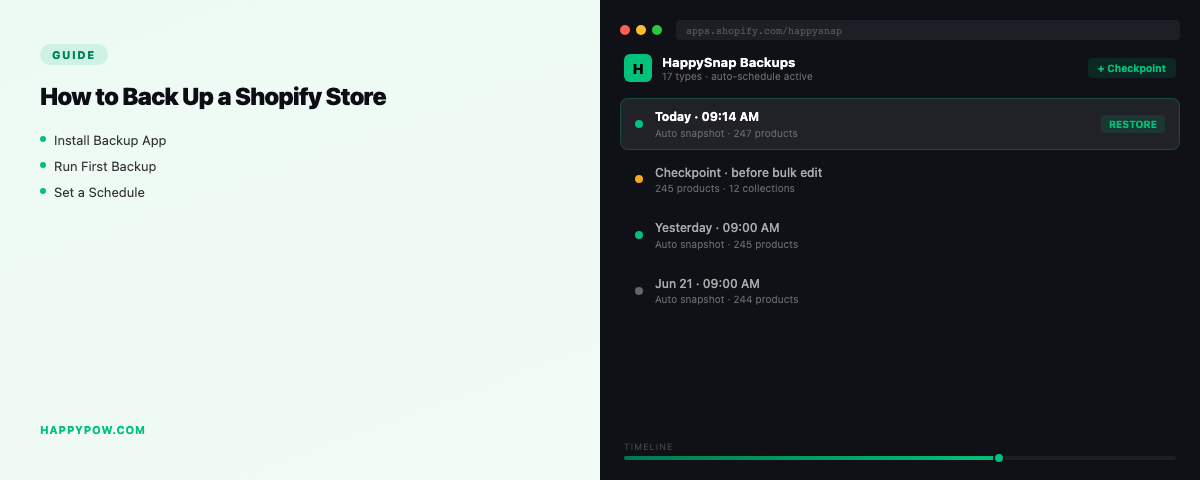
How to back up a Shopify store

Shopify has no undo button. Here is what is at risk, what Shopify does and does not do, and how to back up a Shopify store properly.

READ →
Jun 23, 2026 · happysnap
How to clone a Shopify store

Copy one store into another for staging, expansion or migration. Why CSV is not enough, and how clone differs from restore.

READ →
Jun 24, 2026 · happysnap
How often should you back up a Shopify store?

Daily is the floor for most stores; busy catalogs want real-time. Match backup frequency to how often your Shopify store actually changes.

READ →
Jun 24, 2026 · happysnap
What to back up in a Shopify store (all 17 data types)

Products are the easy part. A real Shopify backup also covers themes, metafields, metaobjects, translations, markets and more. The full list.

READ →
Jun 25, 2026 · happysnap
Back up a Shopify store before installing an app

New apps can rewrite products, inject theme code, and change settings. Take a checkpoint first so a bad install is a one-click rollback.

READ →
Jun 26, 2026 · happysnap
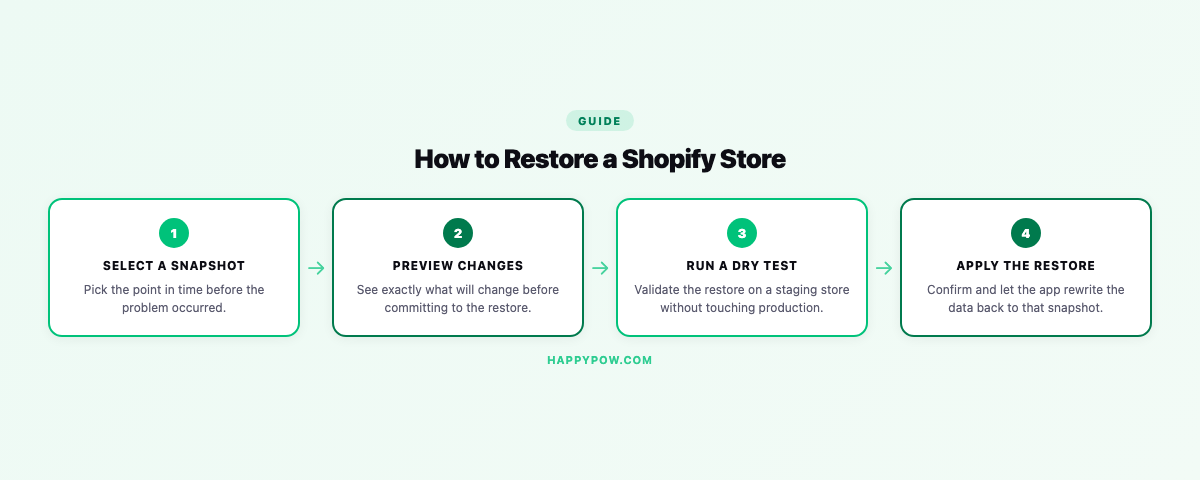
How to restore a Shopify store from a backup

A backup is only as good as its restore. How point-in-time restore works, why a dry-run matters, and how to choose what to roll back.

READ →
Jun 26, 2026 · happysnap
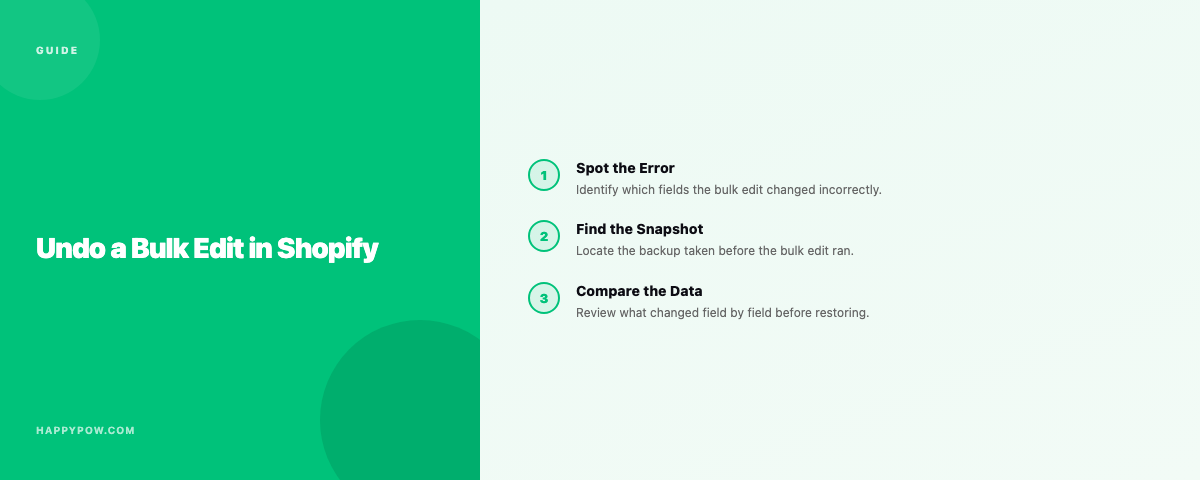
How to undo a bulk edit in Shopify

Shopify has no undo for a bulk edit. If you have a backup you restore the prior version; if you do not, here are your options.

READ →
Jun 23, 2026 · happysnap
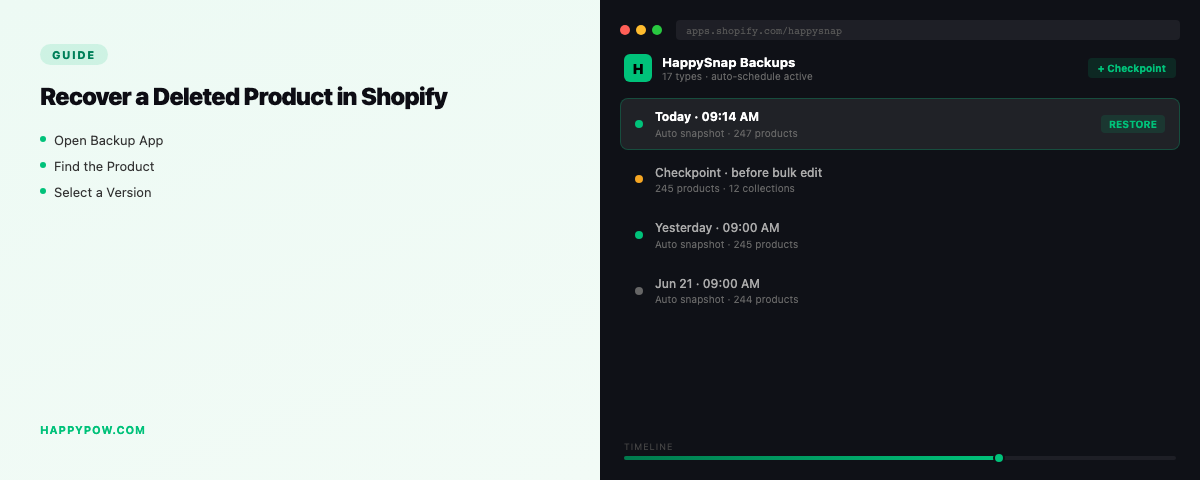
How to recover a deleted product in Shopify

Shopify has no undo for a deleted product. If you have a backup you restore it in seconds; if not, here are the thin options that remain.

READ →
Jun 23, 2026 · happysnap
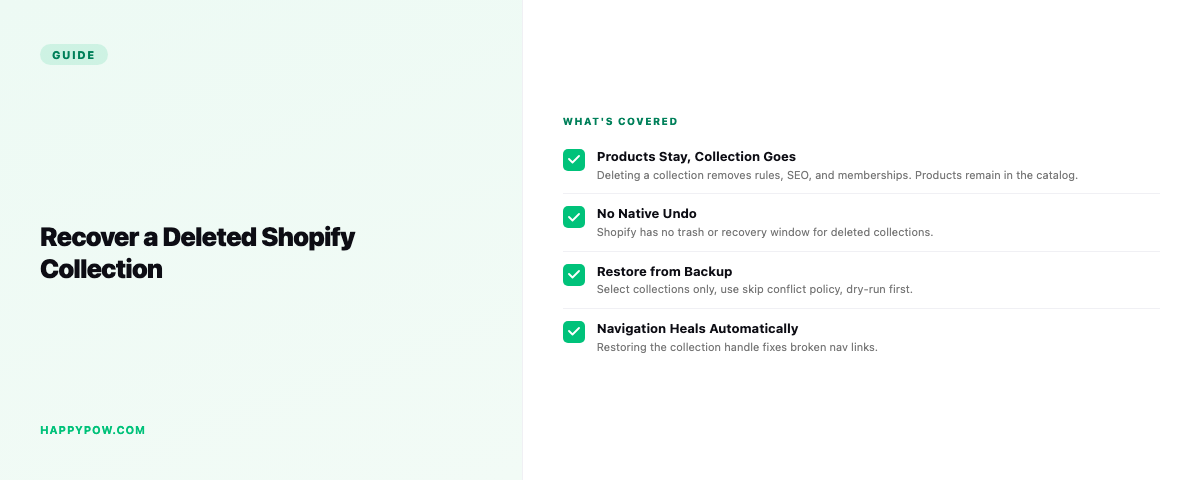
How to recover a deleted collection in Shopify

A deleted Shopify collection takes its rules and product links with it. Restore from a backup, or rebuild by hand. Here is both paths.

READ →
Jun 24, 2026 · happysnap
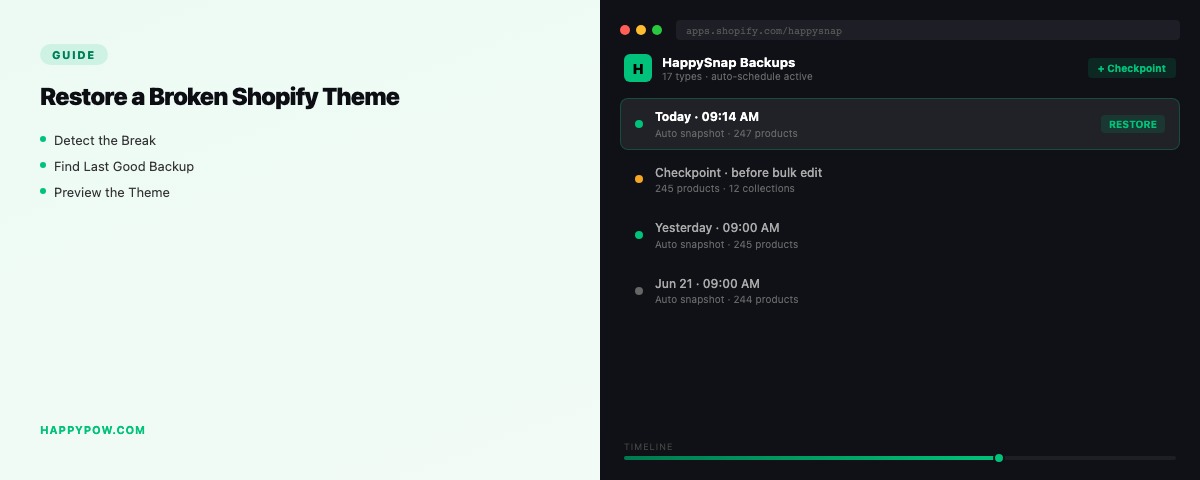
How to restore a broken Shopify theme

A bad theme edit or app injection can break your storefront. How to roll the theme back, and what Shopify keeps versus what you must back up.

READ →
Jun 24, 2026 · happysnap
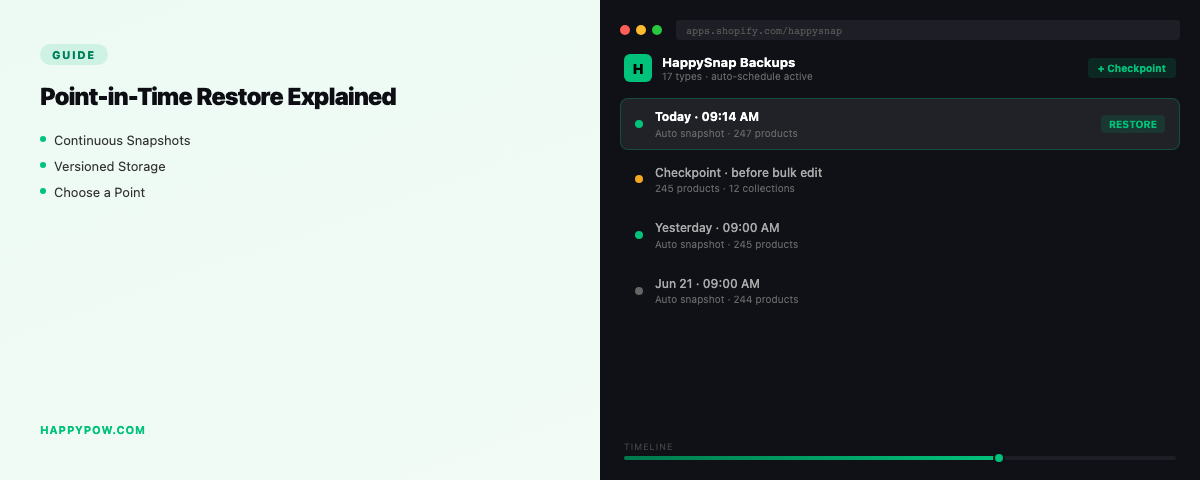
Point-in-time restore for Shopify, explained

Point-in-time restore makes your store identical to a chosen moment, not just an import on top of the mess. Here is how it works and why it matters.

READ →
Jun 24, 2026 · happysnap
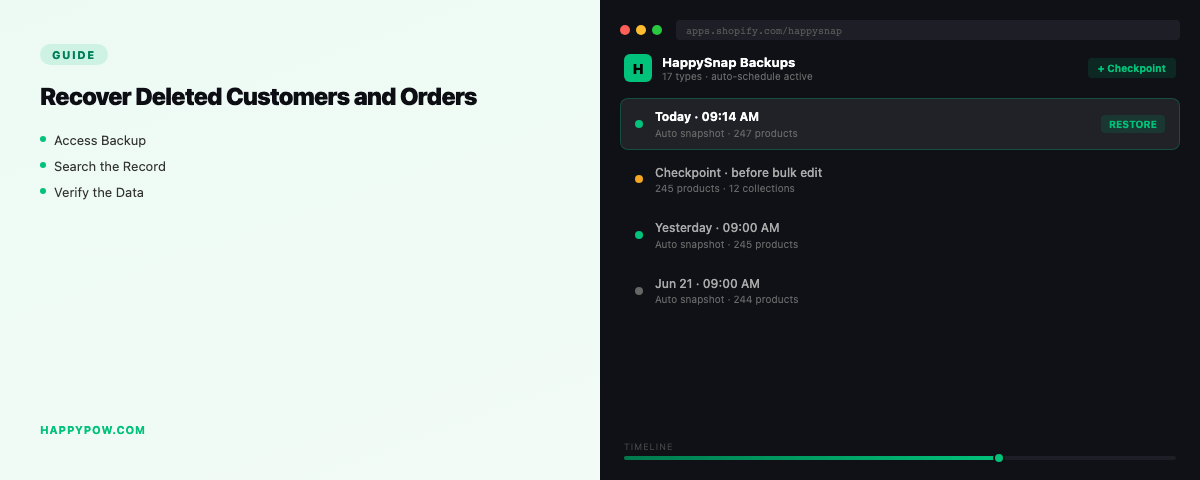
How to recover deleted customers and orders in Shopify

Customer and order data is personal data, so recovery has rules. How to get it back from a backup, and how GDPR redaction changes the picture.

READ →
Jun 25, 2026 · happysnap
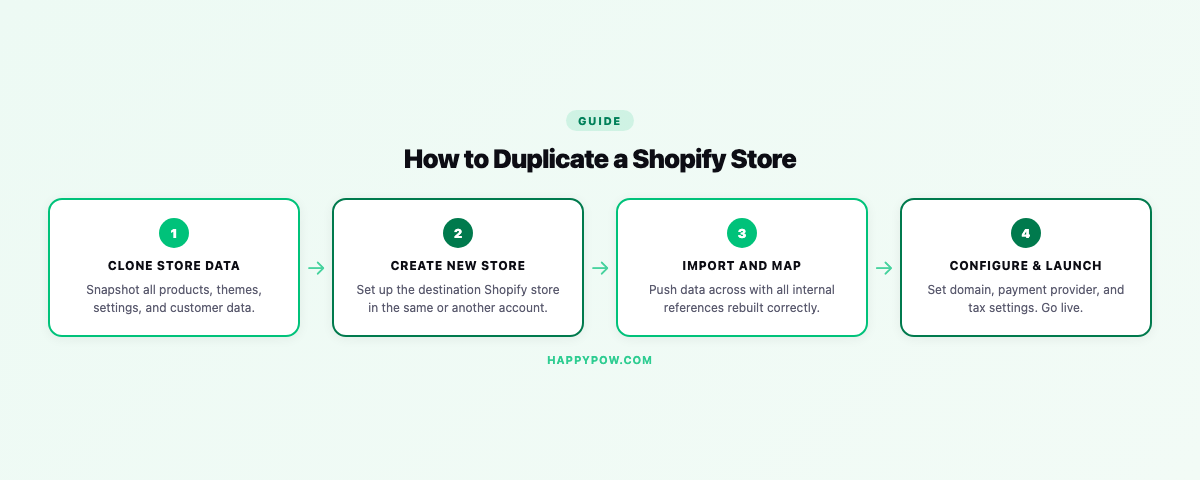
How to duplicate a Shopify store: the complete guide

Shopify has no one-click way to duplicate a store across stores. Here is what transfers, what does not, and how to copy a store cleanly.

READ →
Jun 25, 2026 · happysnap
How to migrate from WooCommerce to Shopify (step by step)

A practical WooCommerce to Shopify migration: what to move, the order to do it, how to keep SEO with redirects, and how to back up before you cut over.

READ →